

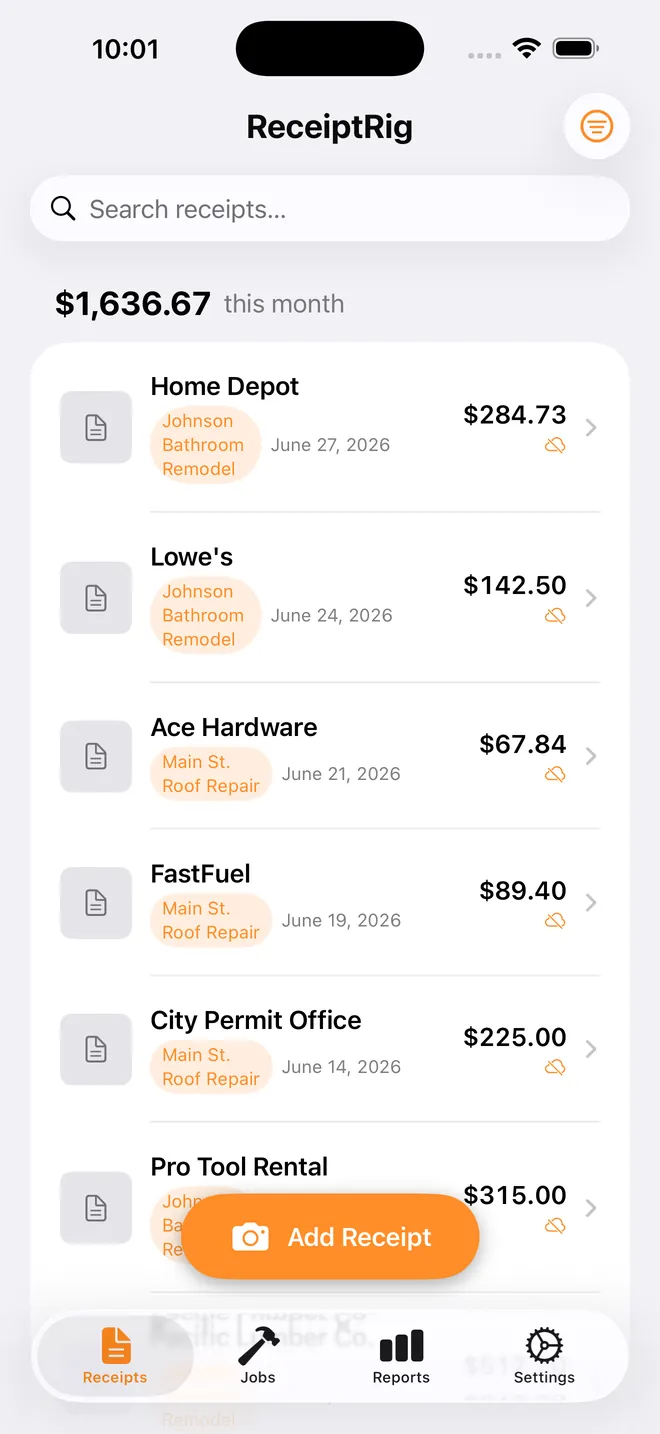
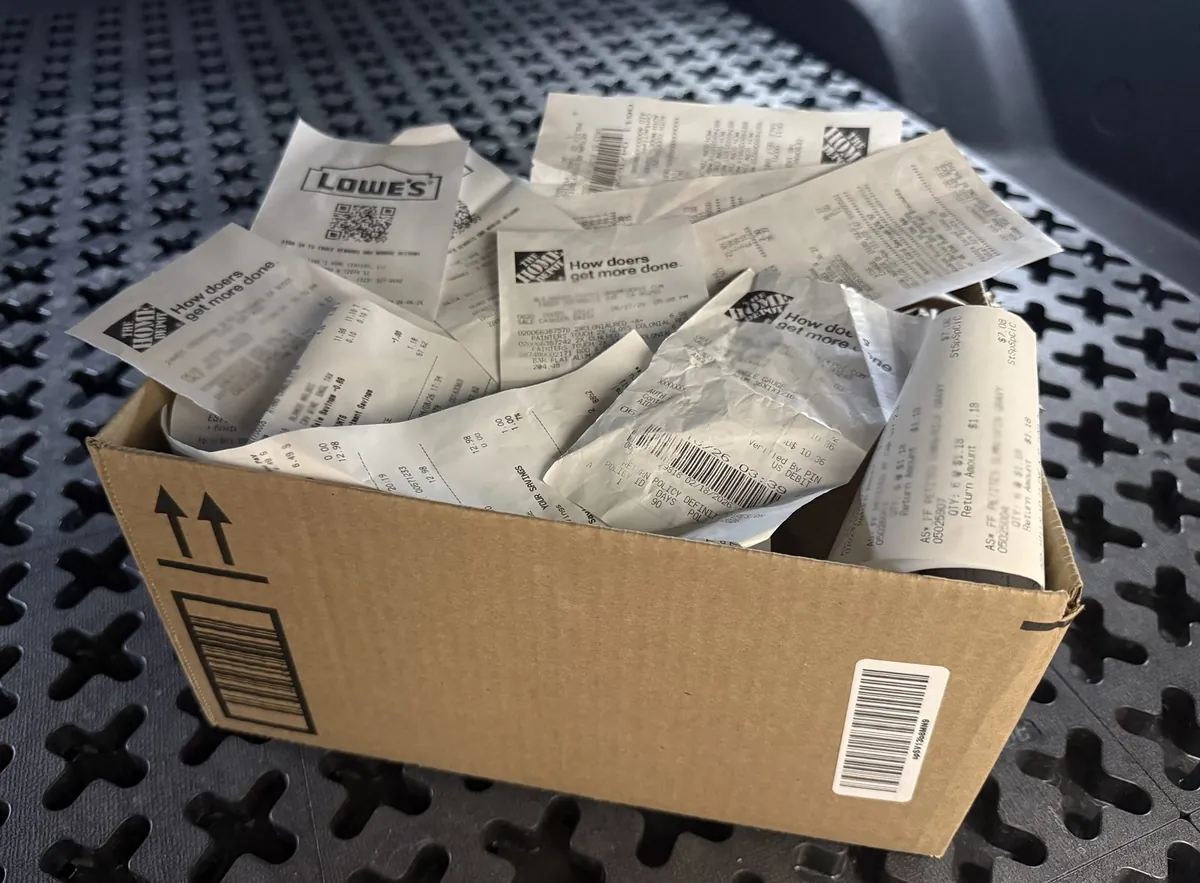
Stop losing receipts in your truck.
Faded gas station tape. A glove box full of paper. A shoebox you hand your bookkeeper every April and hope for the best. There's a faster way — and it takes three seconds.
How ReceiptRig works
Step 1
Snap
Take a picture of the receipt the second you get it. No signal? No problem.
Step 2
Tag to a job
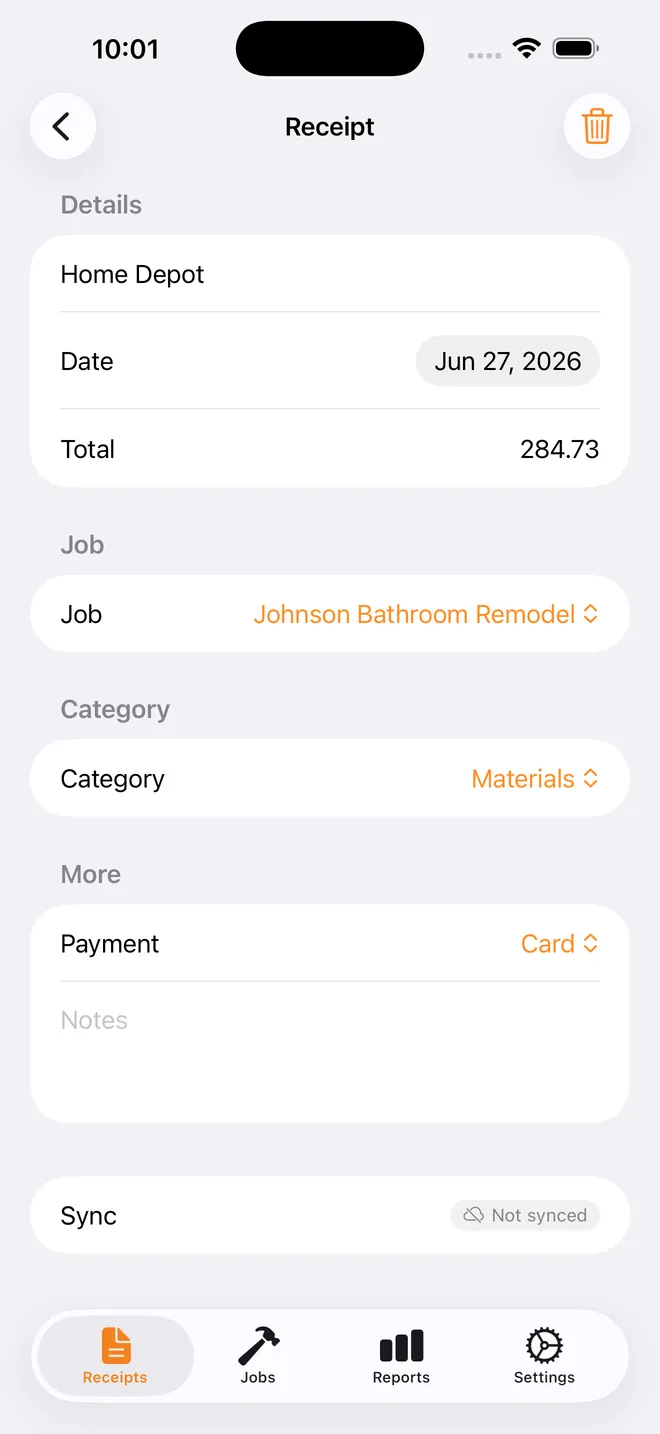
One tap ties it to the job it belongs to — Johnson bathroom, done.
Step 3
Export
A CSV for the spreadsheet, or a PDF with a photo of each receipt. Send it to your bookkeeper whenever you need it.
What ReceiptRig does for you:
Auto-detects the details
Merchant, date, and total pulled straight off the photo.
Works with zero signal
Capture in a basement or a dead zone — ReceiptRig syncs when you're back.
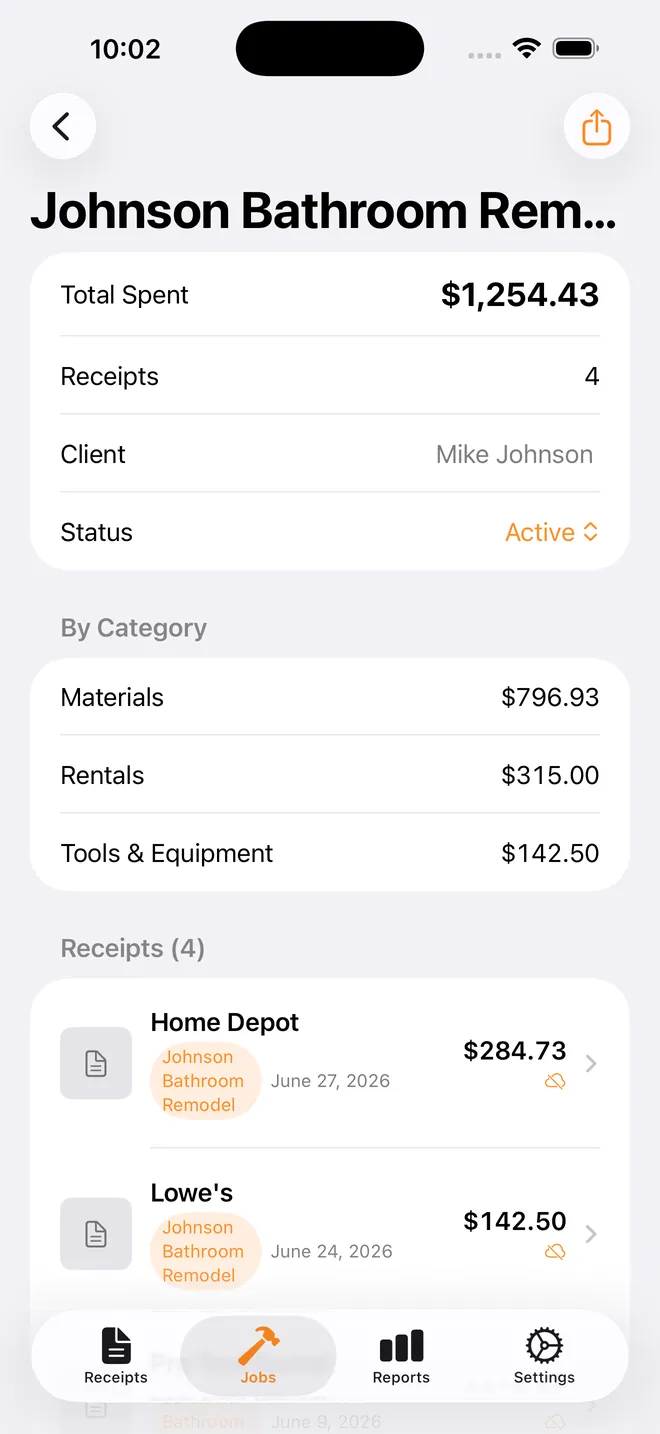
Organizes by job, not just date
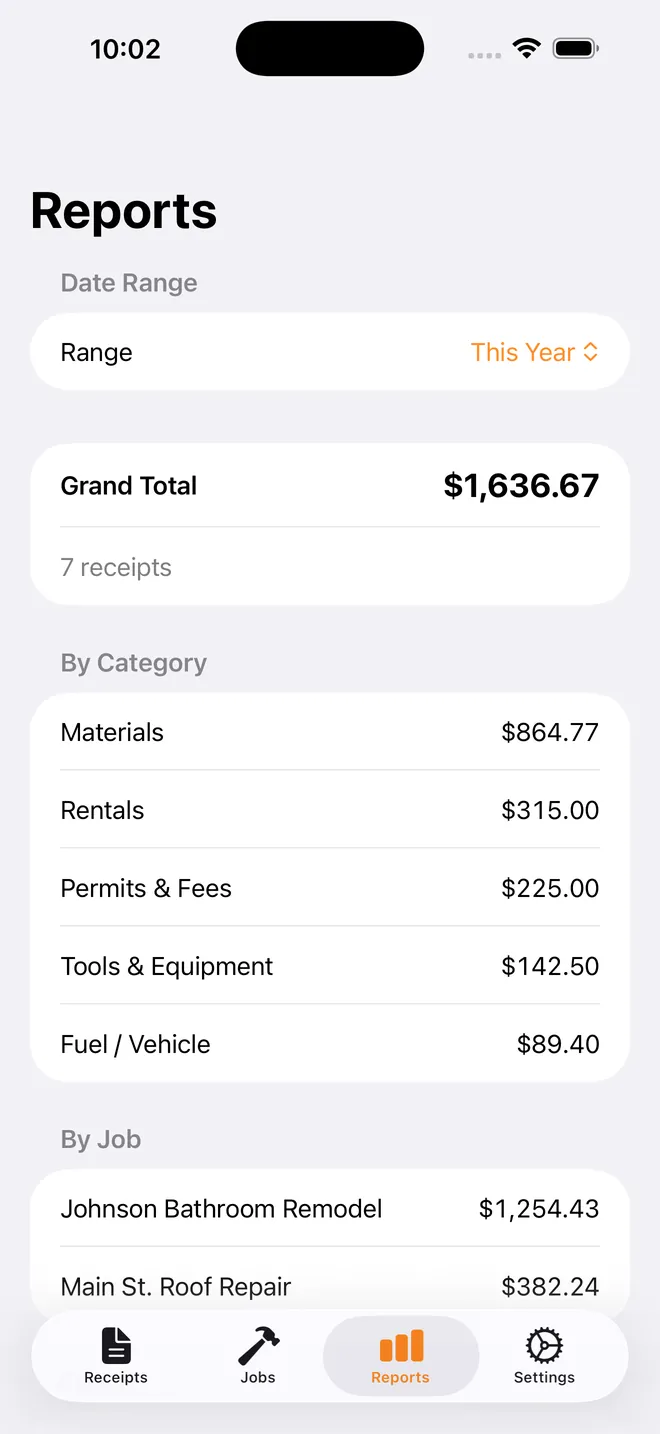
See exactly what you spent on any job, any client, any time. Trade categories are built in: materials, tools, subcontractor labor, fuel, permits.
CSV & PDF export
Hand your bookkeeper a clean report, not a pile of paper. The PDF shows a small photo of each receipt.
SEE IT IN ACTION
PRIVATE BY DESIGN
Your receipts stay on your phone.
Photo scanning happens on-device with Apple's own text recognition. Nothing is uploaded to a company server. Nothing is sold. Sync is through your own private iCloud, full stop.
On this device
OCR processingON-DEVICE
Data storageYOUR ICLOUD
Sold to third partiesNEVER

“I built it for my brother. He runs a one-truck operation, and every tax season he dumped a shoebox of faded gas station and Home Depot receipts on his bookkeeper.”
Try ReceiptRig free for 28 days.
No payment up front. After 4 weeks, decide how you want to pay. Cancel or switch anytime.
Monthly
$3.99/mo
Cancel anytime — no contracts, just like your side jobs.
RECOMMENDED
Annual
$29.99/yr
Save 37% vs monthly. One payment, twelve months of clean books. Less than a box of screws a year.
Lifetime
$59.99 once
Pay once, own it forever. No subscriptions, no renewals, no surprises.
After 28 days, adding new receipts and exporting reports needs ReceiptRig Pro. Everything you've already saved stays viewable.

Questions worth answering
Does this work without signal?
Yes. Capture works fully offline; it syncs to iCloud once you're back in range.
Is my data safe?
Receipts are only processed locally on your phone. Nothing sits on a company server. Your data is never sold.
Can my bookkeeper use the exports?
Yes — export clean CSV or PDF reports, organized by category or job, and send them right from your phone.
What if I switch phones?
Everything's in your private iCloud, so it comes with you automatically.
What happens after the 28 days?
Adding new receipts and exporting reports needs ReceiptRig Pro. Everything you've already saved stays viewable.
Is this for my crew or my company?
No. ReceiptRig is for one person tracking their own receipts. It doesn't do invoices, estimates, or payroll.
WHO BUILDS IT
ReceiptRig is built by one developer, Chris Lee, for his brother's one-truck operation. Questions go straight to his inbox at support@receiptrig.com.
Meet the founder →Get out of the shoebox business.
Get ReceiptRig.